Biology Lecture or Lab Intro
Kick off a unit with a concise visual of major mammal orders and examples. Students grasp taxonomy structure at a glance.
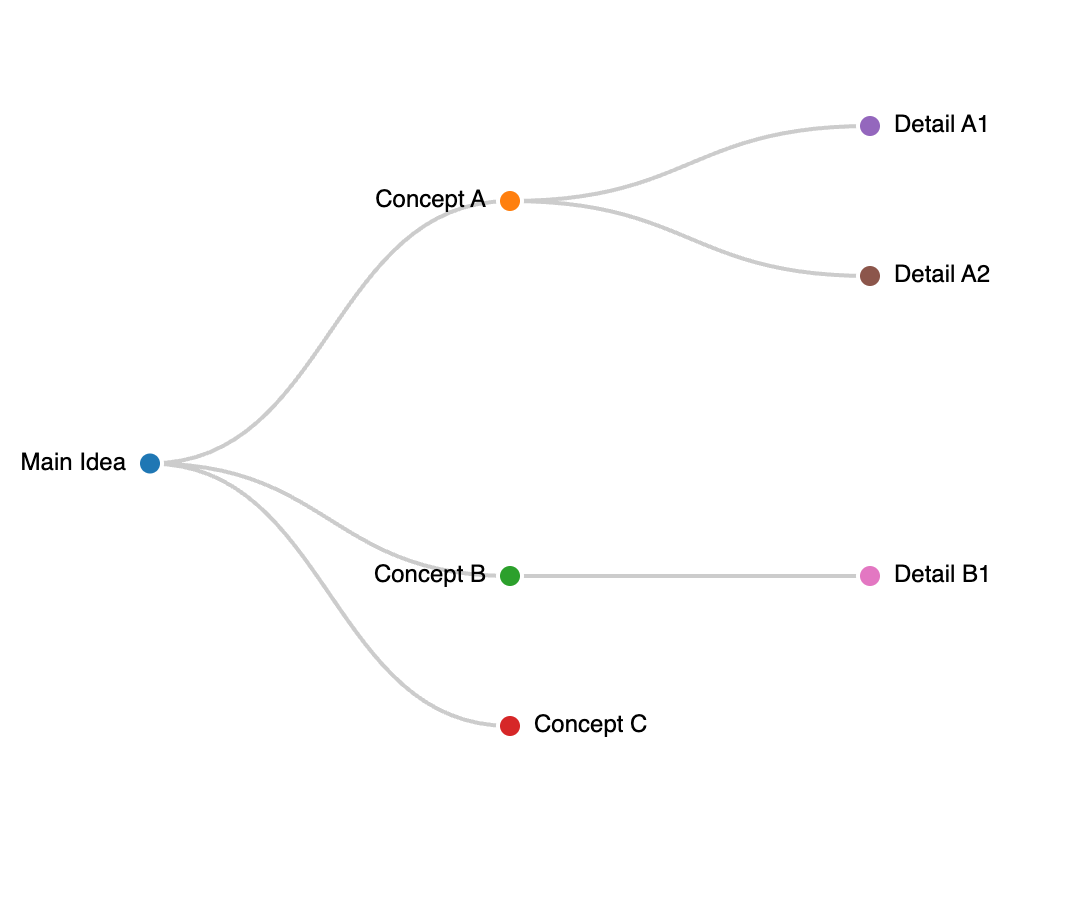
A ready-to-edit mind map that organizes five mammal orders and representative species for quick, accurate classification.
Sample data
Get started
Turn mammal lists into a clean, interactive mind map. Paste your hierarchy, preview instantly, and export polished visuals—no design skills needed.
or upload your data file
What you get
A polished Mammal Types Classification Map you can tailor in minutes—perfect for lectures, briefs, and study aids.
Customize
Enter Parent > Child lists (e.g., Order > Species) or paste from a spreadsheet to build the structure instantly.
Rename nodes, add Latin names, adjust colors and spacing, and keep labels short for readability.
Download PNG/SVG for slides or print, share a link, or embed on your site—professional and consistent.
Use cases
Kick off a unit with a concise visual of major mammal orders and examples. Students grasp taxonomy structure at a glance.
Summarize target taxa, representative species, and focus areas. Keep stakeholders aligned without dense tables.
Map featured orders and flagship species to organize signage, scripts, and learning paths for visitors.
Create a memorable Mammal Types Classification Map for quick recall before exams and presentations.
AI tools
Create similar charts with these tools
Templates
Start with professionally designed templates