ELA Lesson Kickoff
Open class with a visual overview of poetic devices. Set context in minutes and link each device to skills you’ll assess.
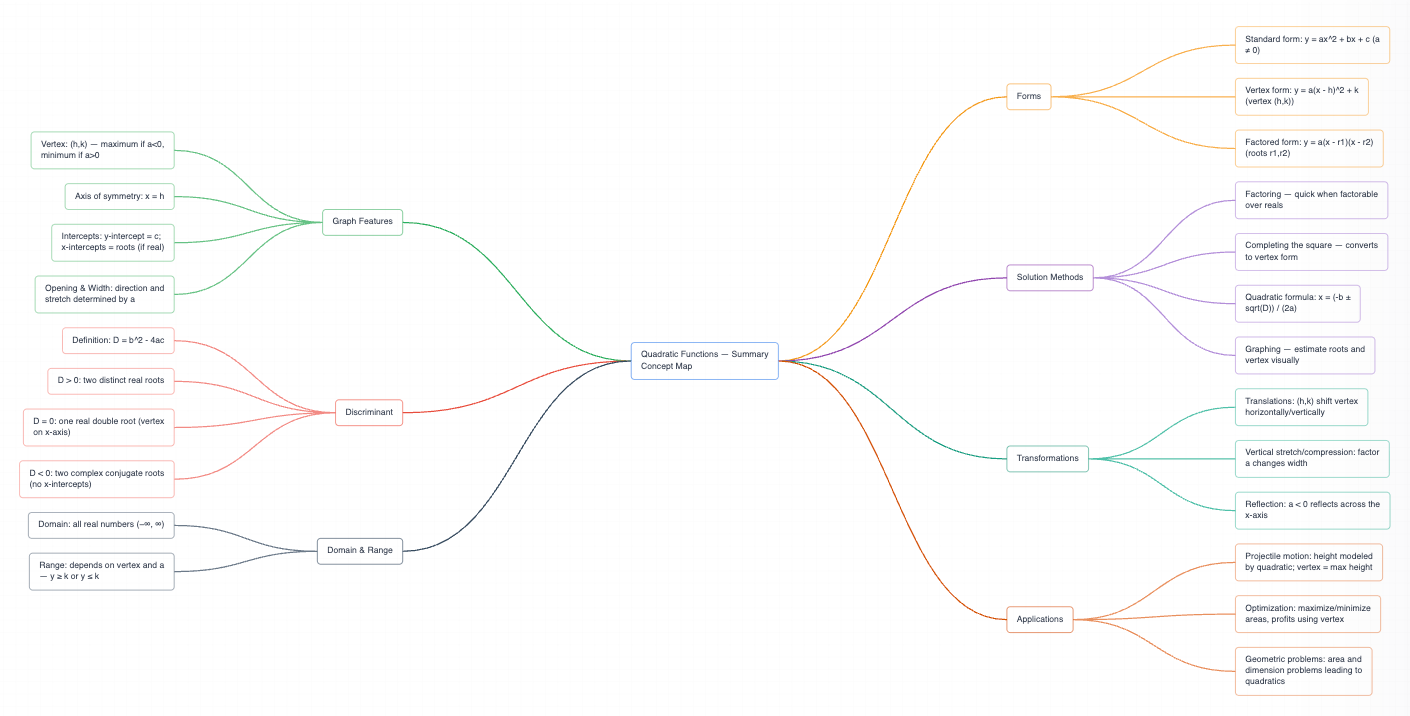
This template visualizes a Poetry devices overview by grouping devices into sound, imagery, structure, and meaning with definitions, examples, and connections.
Sample data
Get started
Map relationships, clarify ideas, and present like a pro—no design skills needed.
or upload your data file
What you get
A ready-to-teach concept map that clarifies how poetic devices relate, so students and stakeholders grasp the whole picture fast.
Customize
Rename or regroup top-level nodes (Sound, Imagery, Structure, Meaning) to match your curriculum or standards.
Insert definitions, a short example, and the device’s function. Link related terms to show meaningful connections.
Apply school colors, adjust spacing, and export for slides, LMS, or print handouts in seconds.
Use cases
Open class with a visual overview of poetic devices. Set context in minutes and link each device to skills you’ll assess.
Give students a concise map of definitions and examples so they can self-test and spot connections they often miss.
Use the chart to guide textual analysis—identify devices, discuss function, and connect them to tone, theme, and meaning.
Standardize terminology across teachers. Keep a shared, up-to-date reference that supports pacing guides and rubrics.
AI tools
Create similar charts with these tools
Templates
Start with professionally designed templates